In a competitive B2B market, a customer relationship management (CRM) system should do more than store names and remind representatives to send emails. It should help a team coordinate multi-person buying committees, maintain a dependable sales pipeline, preserve account knowledge, and move opportunities forward without burying people in administrative work.
That is why choosing a CRM should start with your sales process, not a vendor feature list. The best platform for a five-person sales team may not be the best fit for an organization managing complex enterprise contracts, channel partners, and multiple regions.
Start by mapping the real buying process
Before requesting a demo, follow a recent deal from its first inquiry through discovery, evaluation, procurement, negotiation, and handoff. Identify who participated, what information went missing, which approvals delayed progress, and where the team relied on spreadsheets or private messages.
For B2B selling, pay particular attention to account hierarchies, multiple contacts per opportunity, decision-maker roles, long sales cycles, and collaboration between sales, marketing, finance, and customer success. A CRM should represent these relationships naturally rather than forcing your team into an oversimplified pipeline.
Define the nonnegotiable features
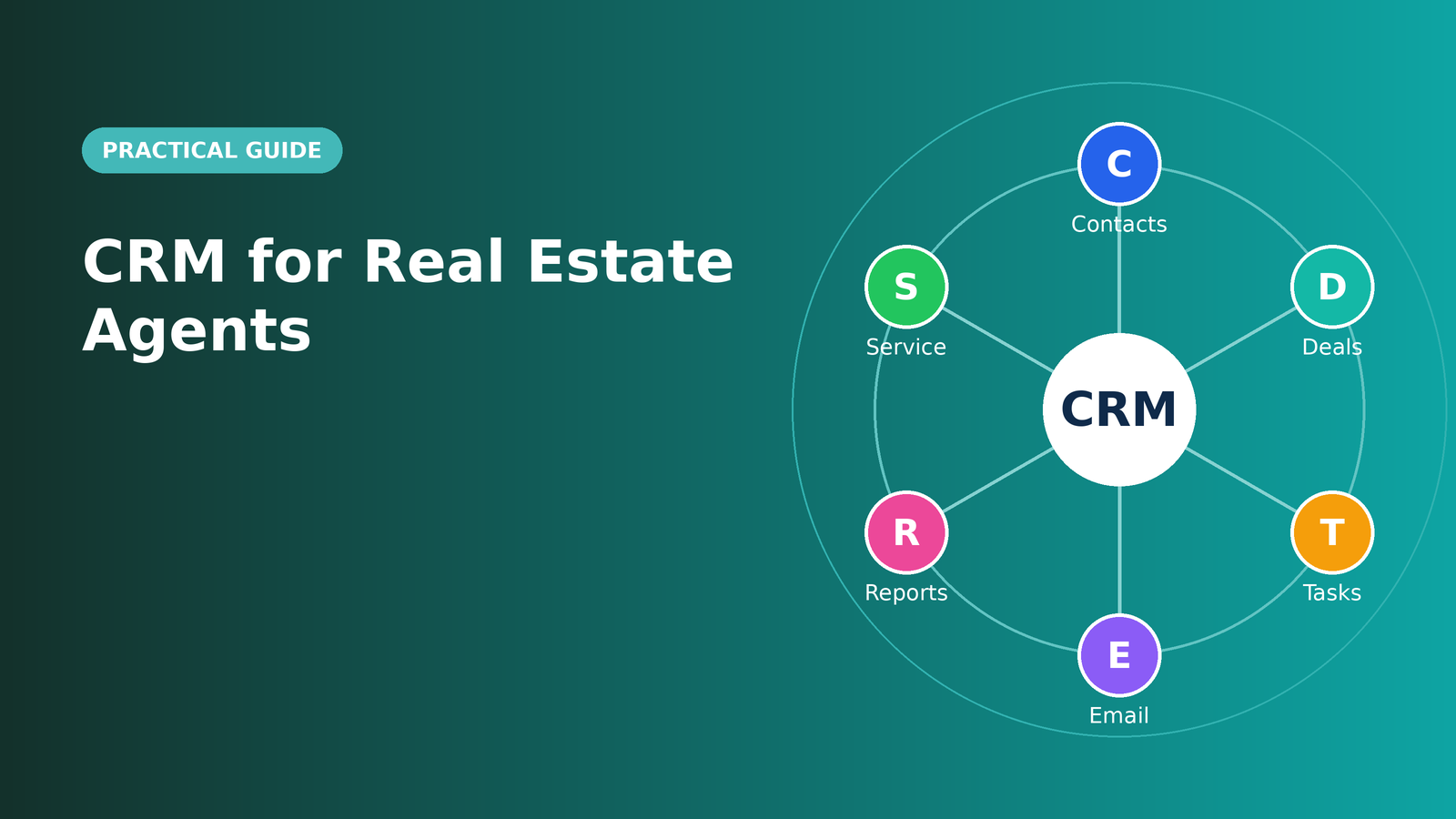
Most teams need account and contact management, opportunity stages, activity history, task ownership, email and calendar integration, reporting, and role-based access. Other requirements depend on the business model: territory management, forecasting, quoting, contract integrations, partner management, or recurring-revenue tracking.
Separate must-haves from conveniences. For each must-have, write a test scenario. Instead of asking whether the CRM offers forecasting, ask a vendor to show how a manager can compare committed deals with actual closed revenue and drill down into an unexpected change.
Prioritize adoption over an impressive demonstration
A beautifully configured dashboard is of little value if sellers avoid the system. Invite representatives, a manager, and at least one operations stakeholder into a realistic trial. Ask them to import a sample account, associate three buying contacts with an opportunity, record a meeting, assign a follow-up, and prepare a handoff note.
Measure completion time, confusing steps, duplicate data entry, and whether the mobile interface supports the work your team actually does. A short pilot reveals implementation friction that marketing pages cannot.
Check integrations and data ownership
Identify the systems that must exchange data with your CRM: email, calendar, marketing automation, support desk, billing, analytics, and potentially enterprise resource planning (ERP). For each integration, specify whether synchronization is one-way or two-way, which system owns each field, how duplicates are resolved, and what happens when a connection fails.
Also test exports before signing a contract. You should understand how to retrieve contacts, accounts, activities, notes, attachments, and historical opportunities if your requirements change. Strong integration and exit options reduce long-term dependency on a single vendor.
Compare the full cost, not just the license
The lowest monthly price may exclude essential functionality. Model the total cost of ownership over a realistic period, including user seats, required tiers, onboarding, migration, premium integrations, storage, API usage, support, training, and ongoing administration.
Watch for pricing that rises sharply when you enable automation or advanced reporting. Ask each vendor to quote the same scenario, with the same number of users and the same requirements, so that the comparison is meaningful.
Treat security and governance as buying criteria
B2B records may contain confidential contacts, contract details, conversations, and commercial forecasts. Evaluate multifactor authentication, role-based permissions, audit logs, backup and recovery arrangements, data retention controls, and the vendor’s documentation on data processing. If AI features use customer records, ask how access is controlled and how outputs are reviewed.
Involve IT or your security lead early. Discovering a governance issue after importing years of customer history is unnecessarily expensive.
Use a weighted scorecard to make the decision
Rather than selecting the vendor with the most features, rate each candidate against your priorities. The example weights below are illustrative; adjust them with your stakeholders before the trial.
| Evaluation area | Example weight | How to validate |
|---|---|---|
| Fit for B2B workflows | 25% | Run a complex account and opportunity scenario |
| Ease of adoption | 20% | Observe actual users during a pilot |
| Integrations and data quality | 20% | Test sample syncs and export |
| Reporting and forecasting | 15% | Reproduce a manager’s weekly review |
| Security and governance | 10% | Review permissions and vendor documentation |
| Total cost | 10% | Compare equivalent three-year scenarios |
Score each area from one to five, multiply by its weight, and document the evidence. The highest total is a useful signal—not a substitute for resolving a critical failure in security or core workflow fit.
Make implementation a phased business project
Start by appointing an internal owner, cleaning records, agreeing on pipeline definitions, and deciding which historical data truly needs migration. Pilot with a representative group, gather feedback, and train managers to reinforce good habits. Only then roll out automation and more advanced analytics.
After launch, monitor active usage, required-field completeness, pipeline accuracy, follow-up timeliness, and handoff quality. Tie the project back to sales outcomes, but avoid attributing every revenue change to the software alone.
Final takeaway
The right B2B CRM is the system your team can use consistently to make better decisions and serve accounts well. Choose for the complexity of your buyers, the quality of your data, and the realities of your workforce—not for a long feature checklist. A disciplined pilot, clear ownership, and a transparent cost comparison make that choice far more dependable.
Frequently asked questions
Does a small B2B sales team need an enterprise CRM?
Usually not. Prioritize reliable account management, pipeline visibility, integration, and ease of use. Add complexity when the sales model requires it.
How long should a CRM trial last?
Long enough to complete actual workflows with representative data. A short, structured pilot is more informative than an extended trial without success criteria.
Should we migrate every old record?
No. Set retention and migration rules, remove duplicates, and import history that is useful and appropriate to keep.
Further reading
HubSpot: 2025 State of Sales · NIST: AI Risk Management Framework